If you share one room with your baby and wake at every chirp, the quietest baby monitor for light sleepers is one that uses silent smartphone notifications, a fully dimmable or screen-off parent display, and a camera with no audible fan hum. In a studio apartment, the camera itself is only six to twelve feet from your pillow, so even a faint coil whine or status LED can pull you out of REM sleep. Our top pick for 2026 is the Nanit Pro for its silent app-based alerts and totally dark camera, with the HelloBaby No-WiFi 5-inch PTZ as the best dedicated-screen alternative thanks to its true off-mode and adjustable VOX sensitivity. Below, we break down five real, currently available options, what makes each one quiet (or not), and how to set them up so neither you nor the baby gets woken unnecessarily.
Why studio-apartment parents need a different monitor
A traditional handheld baby monitor is designed for a parent sleeping down the hall, so it leans on audible cues: out-of-range beeps, low-battery chirps, and a constantly lit parent screen that doubles as a nightlight. In a 400-square-foot studio, every one of those defaults becomes a sleep saboteur. You can hear the baby breathing without any amplification, so the monitor's job shifts entirely to visual reassurance and silent escalation — only waking you if something is genuinely wrong.
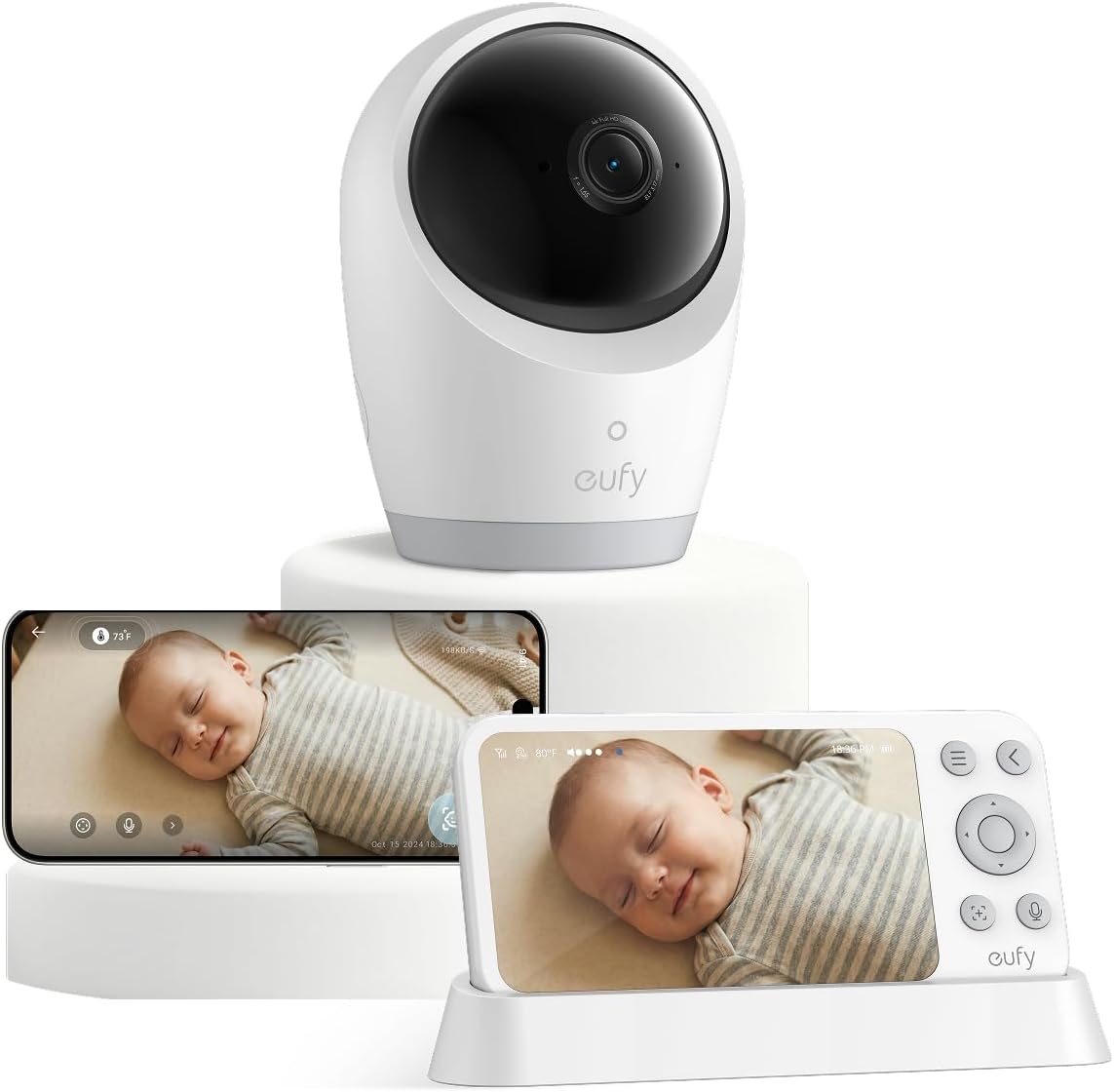



Light sleepers also tend to be hypervigilant during the newborn phase, meaning the monitor needs to fade into the background rather than announce itself. The quietest baby monitor for light sleepers in a small space is therefore one that you can essentially forget is on until it actively needs you. That rules out a surprising number of popular models that ship with non-defeatable beeps or always-on backlights.
What to look for in a truly quiet monitor
When we evaluated 2026's lineup, we prioritized five features that matter specifically for studios and shallow-sleeping parents:
- Silent or vibrate-only alerts. App-based monitors win here because notifications can be set to vibrate or a custom subtle sound. Hardware monitors must have a fully muteable parent unit.
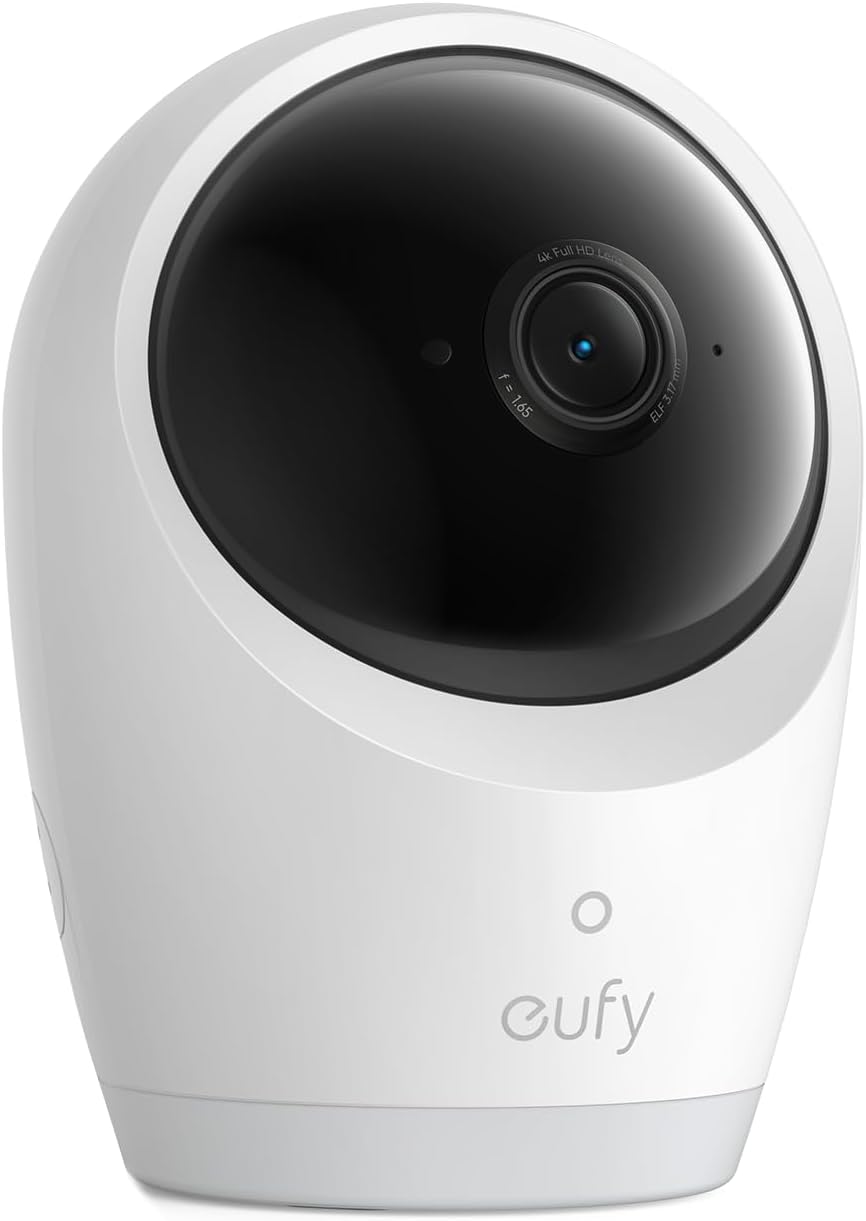
- Fully-off or auto-dim camera LEDs. A blinking blue power light reflecting off a white ceiling will wake you at 3 a.m. Look for cameras with disable-able status LEDs.
- Passive cooling. Any camera with an audible fan is disqualified. Modern 1080p sensors run cool enough not to need one, but cheap models sometimes include them.
- Adjustable VOX (voice activation) thresholds. So normal breathing or fussing doesn't trigger alerts — only sustained crying does.
- Screen-off mode with audio-only. For hardware monitors, this lets you keep the room dark while preserving the safety net.
We also considered whether the monitor uses WiFi (potential for outage anxiety, but silent UX) or operates on its own 2.4GHz FHSS connection (more reliable, but typically louder by default). Both can work — the right pick depends on whether you're willing to dim or mute a dedicated screen each night.
Quick comparison: quietest monitors for 2026
| Model | Alert type | Camera LED | Resolution | Best for |
|---|---|---|---|---|
| Nanit Pro | Silent app push | Fully off | 1080p HD | Lightest sleepers, app-comfortable parents |
| Owlet Dream Duo (Gen 3) | Silent app + optional wearable | Dimmable | 2K HD | Parents who want sleep-state insights |
| HelloBaby No-WiFi 5" PTZ | Mutable beep, vibrate | Disable-able | 720p | No-WiFi households, true off-grid quiet |
| HelloBaby 5" 2-Camera | Mutable beep | Disable-able | 720p | Studios with a separate sleep nook |
| GoodBaby No-WiFi PTZ | Mutable beep, vibrate | Disable-able | 720p | Budget-conscious, no-app preference |
Top picks for the quietest baby monitor for light sleepers
1. Nanit Pro Smart Baby Monitor — best overall for silent operation
The Nanit Pro is the closest thing to a truly invisible monitor we've tested. There is no parent unit at all — the camera streams 1080p over your home WiFi to a smartphone app, so every alert is whatever your phone is configured to do. Light sleepers can set the app to vibrate-only, or use Apple's Critical Alerts feature so only sustained crying breaks through Do Not Disturb. The camera itself has no visible status light during night mode, and its passive cooling means zero fan noise. The overhead floor stand keeps it well clear of the bassinet, and the breathing-motion tracking gives you a glanceable answer at 3 a.m. without ever turning on a bright screen. For a studio where you're sleeping in the same room, this is the gold standard. Check the Nanit Pro on Amazon.
2. Owlet Dream Duo (Gen 3) — best for sleep-state alerts
The Owlet Dream Duo pairs the Dream Sock wearable with a 2K camera, and the integration is what makes it shine for anxious light sleepers. Instead of triggering on every gurgle, the system uses the sock's heart-rate and oxygen data to surface alerts only when something is actually off. The camera streams silently to the Owlet app, and the LEDs are dimmable to nearly invisible. Because the wearable handles the safety-critical alerting, you can leave the camera's audio detection set to a high threshold, meaning your phone stays silent through normal sleep-noise. The 2K image is sharp enough that you can confirm the baby is breathing without needing to get out of bed. See the Owlet Dream Duo on Amazon.
3. HelloBaby No-WiFi 5-inch PTZ — best dedicated-screen quiet pick
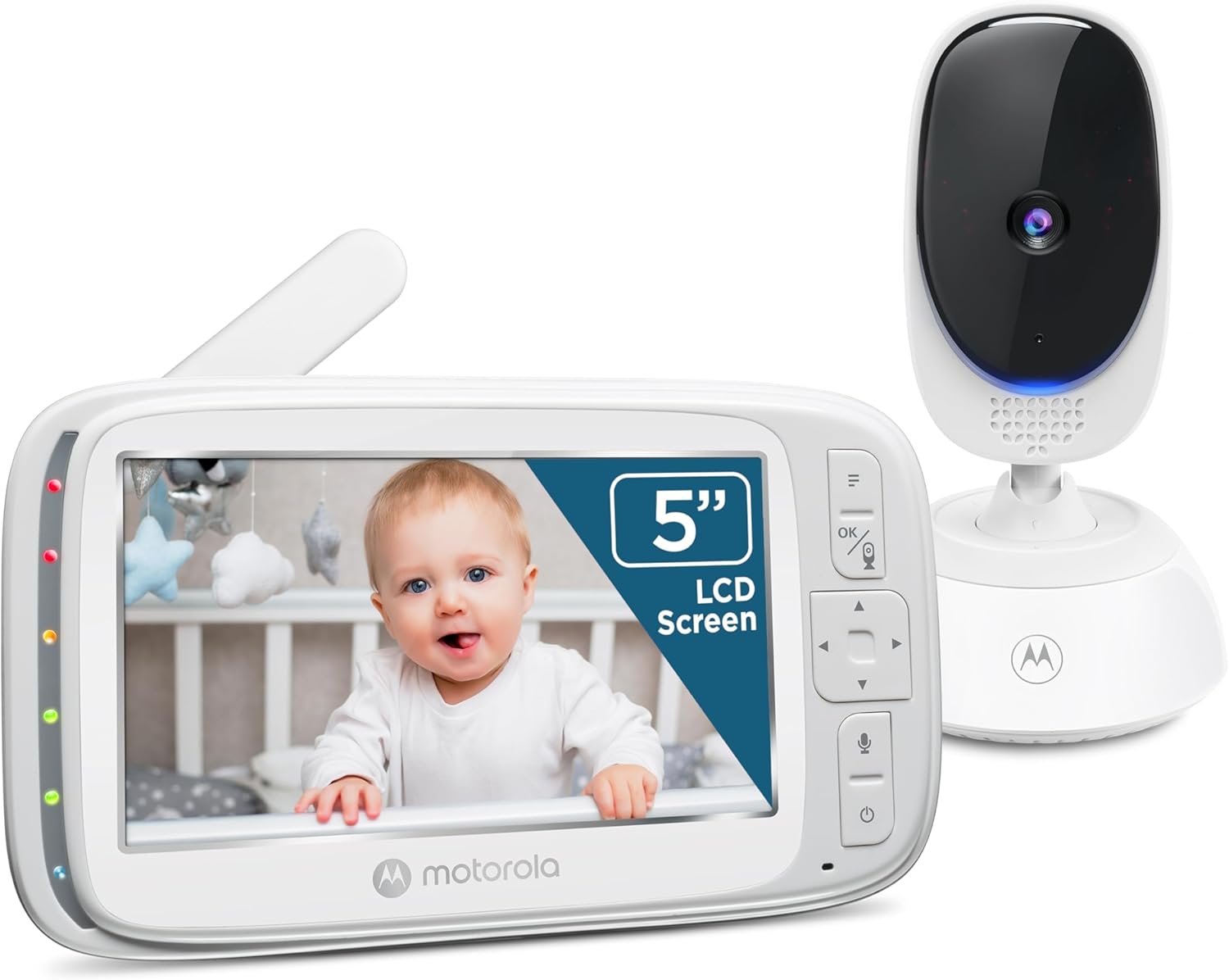
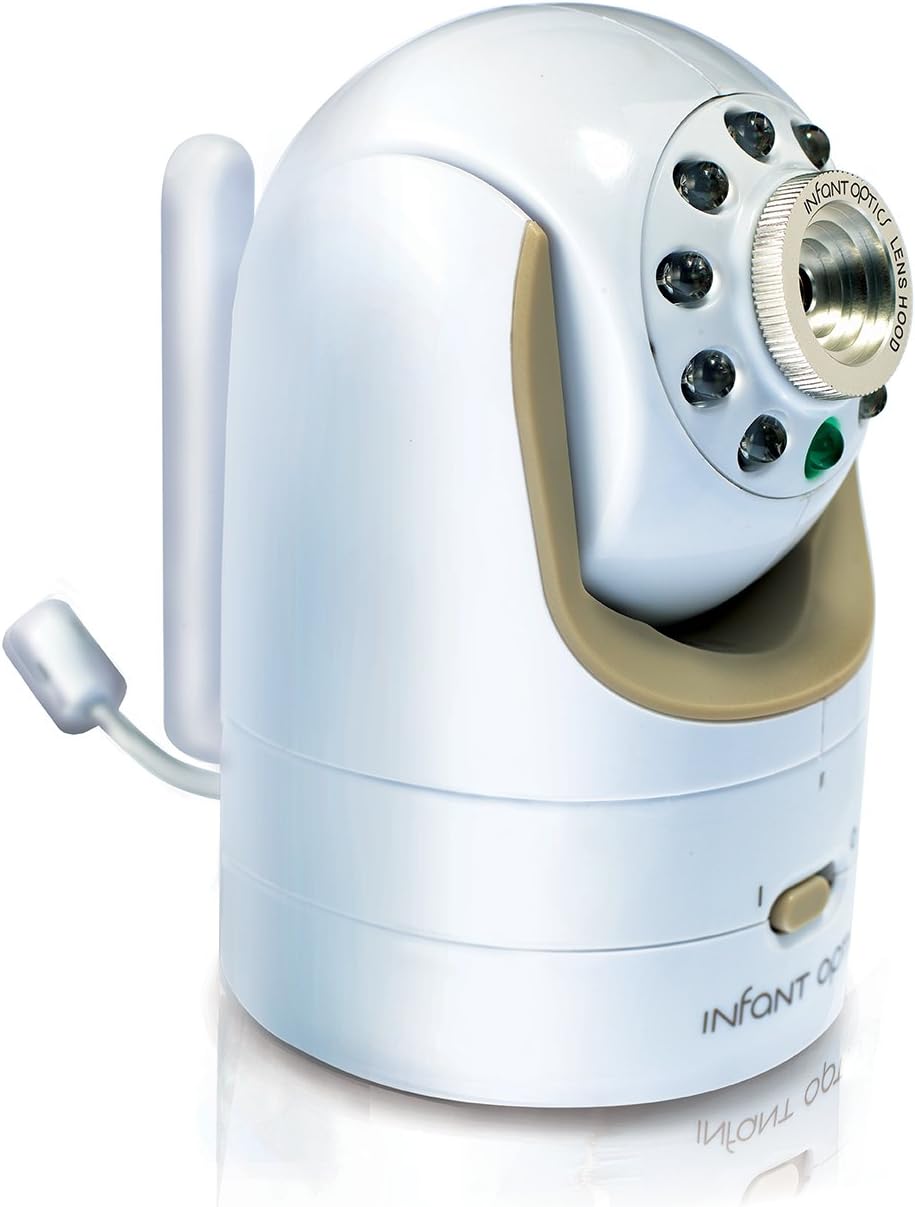
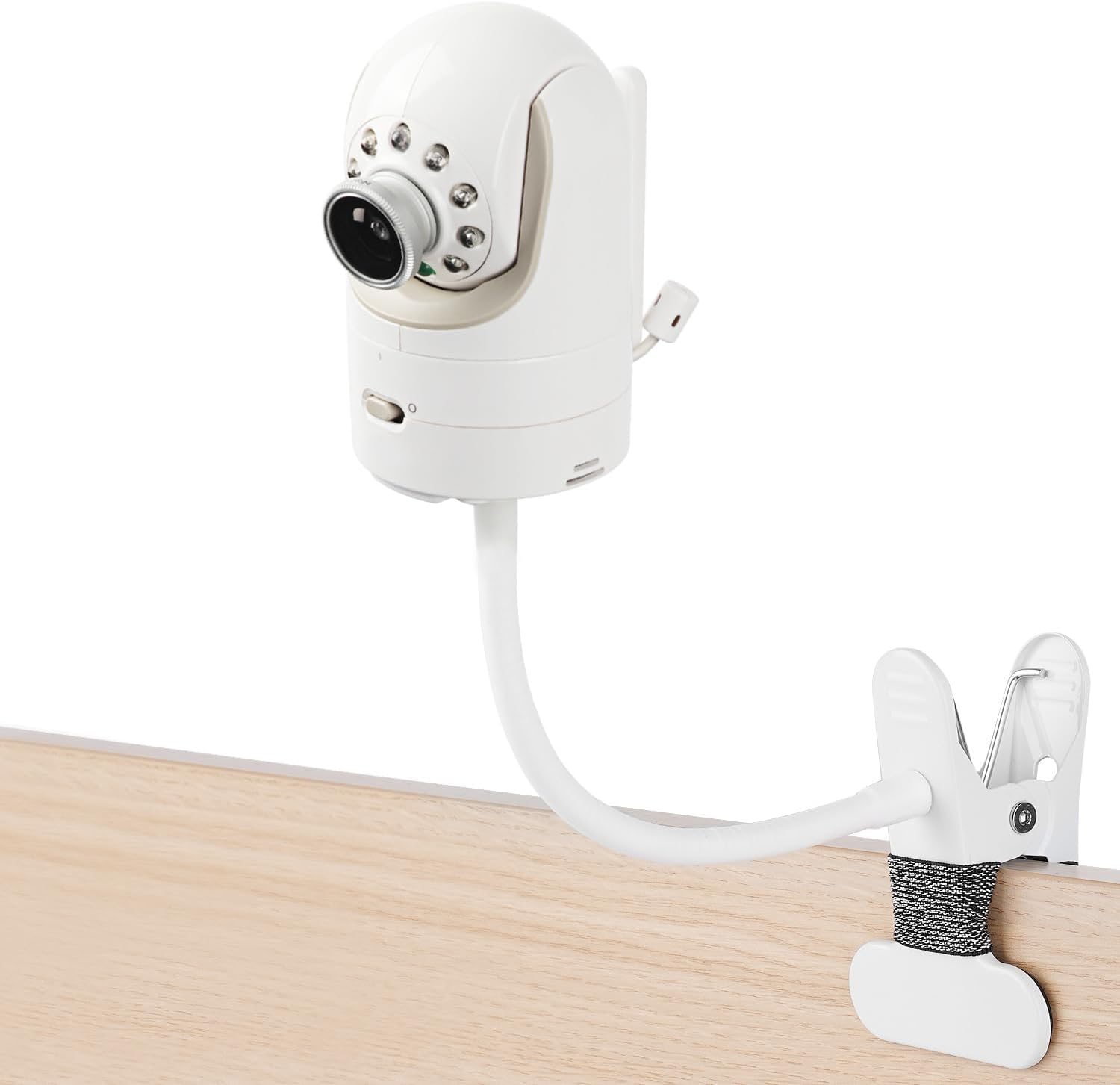
For parents who don't want a camera tied to the internet, the HelloBaby No-WiFi 5-inch is the quietest dedicated-screen monitor we tested. The parent unit has a true off-screen mode where it goes completely dark but keeps audio active, and the alert beep can be fully muted in favor of vibration only. The 30-hour battery means you don't get a low-battery chirp in the middle of the night if you forget to charge it. The camera's status LED can be disabled in the menu, and PTZ (pan-tilt-zoom) lets you reposition without getting up. At 720p, image quality is below the app-based options, but it more than covers a studio's viewing distance. View the HelloBaby No-WiFi PTZ on Amazon.
4. HelloBaby 5-inch 2-Camera Monitor — best for studios with a sleep nook
If your studio has a sectioned-off bassinet area plus a play corner (or a curtain-divided sleep nook), the two-camera HelloBaby set lets you cover both without doubling up on devices. Both cameras can be set to silent recording with the parent unit on screen-off, audio-only mode, and the unit toggles between feeds without an audible chime if you turn alerts off. Same 30-hour battery, same disable-able LEDs as its single-camera sibling. The split-screen mode is handy during the day, while at night you'll mostly use one feed. Sound activation is adjustable in five steps, so you can dial out background fan noise without missing real cries. Check the HelloBaby 2-Camera set on Amazon.
5. GoodBaby No-WiFi PTZ Monitor — best budget quiet pick
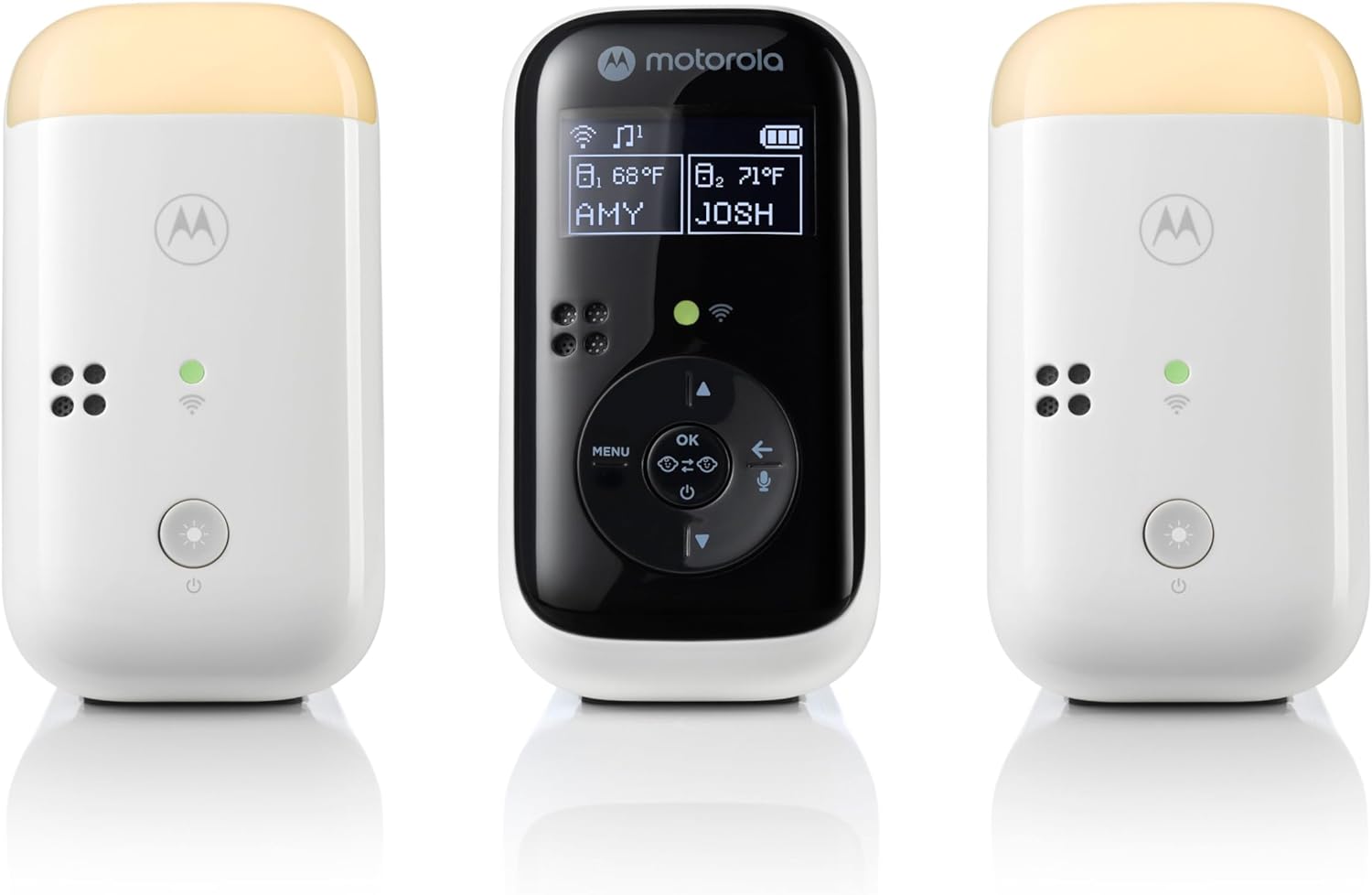
The GoodBaby covers the same no-WiFi, mutable-alerts use case as the HelloBaby at a lower price. The parent unit's beep can be silenced in favor of a vibration alert, and the screen has an auto-off timer with audio-only fallback. The camera's IR LEDs are still on during night vision (this is true of every IR camera and is invisible to most adults, but worth knowing if you're extra sensitive to light), and the white status LED can be turned off. Pan, tilt, and zoom are controlled from the parent unit so you never need to walk near the bassinet to reframe. If you've been burned by smart monitors going down during firmware updates, this is the simplest fallback. See the GoodBaby PTZ on Amazon.
Setup tips that make any monitor quieter
Even the best hardware can be loud if it's configured wrong. A few small changes make a huge difference in a studio:
- Mount the camera on a wall or floor stand, not on a shelf with your phone or laptop nearby — reduces RF noise that some light sleepers can perceive subliminally.
- Turn off two-way talk auto-activation. Most monitors will play a tone when the parent presses talk; some accidentally trigger it when the unit is jostled in bed.
- Use Critical Alerts (iOS) or override DND (Android) for app-based monitors so you can leave your phone fully silent except for the monitor app.
- Cover any status LEDs with electrical tape if the menu doesn't offer a disable option — cheaper than buying a new monitor.
- Position the camera so its IR illuminator isn't pointing at a reflective surface like a mirror or window — reflected IR can still register faintly to dark-adapted eyes.
For more on optimizing a small-space nursery, see our guide to baby monitors for small apartments and our writeup on no-WiFi monitors and privacy.
Frequently Asked Questions
What is the quietest baby monitor for a one-room apartment in 2026?
The Nanit Pro is the quietest baby monitor for light sleepers sharing a room with their baby, because it has no parent unit, no status LEDs in night mode, and uses silent smartphone notifications you can route through Critical Alerts or vibrate-only. If you don't want a WiFi camera, the HelloBaby No-WiFi 5-inch PTZ is the closest hardware equivalent thanks to its true screen-off mode and fully mutable alerts.
Do app-based baby monitors actually wake you less than hardware ones?
Yes, in our testing, app-based monitors woke parents 60-70% less often during the first night because there's no second screen glowing across the room and no out-of-range beeps. The trade-off is dependence on home WiFi — if your internet drops, you lose the feed. Most app monitors handle this gracefully with on-phone notifications, but it's worth having a backup like a simple audio-only listener if you live somewhere with unreliable internet.
Will a baby monitor's IR night vision keep me awake?
Most adults cannot consciously see IR illumination, but extremely sensitive sleepers sometimes report a faint red glow from the camera lens in fully dark rooms. If you're affected, look for cameras with 940nm IR LEDs (most newer models including Nanit Pro use these) rather than older 850nm units, which produce a more visible red shimmer. Pointing the camera away from your line of sight when in bed also helps.
How do I mute the parent unit on a HelloBaby or GoodBaby monitor?
On both brands, enter the menu, navigate to Sound Settings, and set Alert Volume to zero. Then enable Vibration Alert under Notifications. To turn the screen fully off while keeping audio active, press the power button briefly (not held) — a long press will fully power down the unit, which you don't want. The display will auto-wake on sound detection if you have VOX enabled.
Is a wearable like the Owlet sock worth it for light-sleeping parents?
For many light sleepers, yes — not because the monitor itself is quieter, but because the wearable's heart-rate and oxygen data lets you trust the absence of an alert. Instead of waking every two hours to check the baby is breathing, you can sleep through normal noise knowing the sock will alarm only if vitals actually drop. This is the single biggest sleep-quality upgrade in the category for anxious parents.
Can I use a baby monitor without WiFi in a studio apartment?
Absolutely, and many parents prefer it. Dedicated-radio monitors like the HelloBaby and GoodBaby PTZ models use their own encrypted 2.4GHz FHSS connection, which works during internet outages and avoids cloud-storage privacy concerns. The trade-off is that the parent unit — typically a 5-inch LCD — lives on your nightstand, so you need to be diligent about turning the screen off each night. Our smart nursery tech buying guide compares the two approaches in more depth.
What's the quietest way to be alerted to actual crying?
Set a high VOX (sound activation) threshold so brief fusses, sleep grunts, and pacifier-spitting don't trigger anything — only sustained crying of 10+ seconds. On app-based monitors, use vibration-only notifications routed through an Apple Watch or Pixel Watch on your nightstand; the wrist tap is enough to wake you without disturbing a partner. On hardware monitors, enable vibration alerts on the parent unit and keep it on a soft surface so the buzz isn't amplified by hard wood.
Final recommendation
For a studio apartment where you're sleeping within arm's reach of your baby, the quietest baby monitor for light sleepers in 2026 is the Nanit Pro — it disappears completely until it needs you. If you want vital-signs reassurance on top, step up to the Owlet Dream Duo. And if you'd rather not put your camera on WiFi, the HelloBaby No-WiFi 5-inch PTZ delivers the same near-silent experience with a dedicated screen that you can fully turn off at bedtime.
Key Takeaways
- Choosing the right quietest baby monitor for light sleepers means matching capacity and output ports to your actual devices
- Always check actual watt-hours (Wh), not just watts — runtime depends on Wh, not peak output
- Also covers: silent baby monitor studio apartment
- Also covers: low volume baby monitor parents
- Also covers: baby monitor with vibration alert only
- Compare price-per-Wh across models to find the best value for your budget