If your nursery feed keeps freezing, buzzing, or dropping out the moment someone rings the bell or punches in a door code, you are dealing with classic baby monitor interference ring doorbell smart locks conflict on the 2.4 GHz band. The fastest fix is to move your baby monitor onto a clean channel (or a different radio entirely), separate the devices by at least 6-10 feet, and update firmware on every device involved. In this 2026 guide I'll walk through exactly why Ring, Z-Wave, and Zigbee gear bullies your nursery camera, how to test each culprit in under ten minutes, and which monitors hold up best in a busy smart home.
Why your Ring doorbell and smart locks fight your baby monitor
Almost every consumer smart home device under $300 uses one of three radios: Wi-Fi (2.4 GHz or 5 GHz), Zigbee (2.4 GHz), or Z-Wave (908 MHz in North America). Ring Video Doorbells, most August and Yale smart locks with built-in Wi-Fi, and the majority of budget baby monitors all crowd the same 2.4 GHz band. When your doorbell streams a 1080p clip to the cloud or your smart lock pings its hub after a deadbolt event, the burst of traffic can spike the local noise floor enough to drop a baby monitor packet, especially if both devices share a channel.
When shopping for baby monitor interference ring doorbell smart locks, it pays to compare specs, capacity, and real-world runtime before committing.



Two patterns are doing the damage in 2026. First, mesh Wi-Fi routers from Eero, Google Nest, and TP-Link Deco aggressively shuffle 2.4 GHz channels to balance load — which is great for laptops but disastrous for a fixed baby cam that re-pairs every few minutes. Second, Matter-over-Thread smart locks (Aqara U200, Schlage Encode Plus, Level Lock+) added in the last 18 months use 2.4 GHz Thread, which is essentially Zigbee's cousin and overlaps Wi-Fi channels 1, 6, and 11.
Quick diagnosis: which device is actually causing it?
Before you buy anything, run this five-minute test. Open your baby monitor app or parent unit and watch the live feed. Then, one at a time:
- Press your Ring doorbell button and watch for stutter in the nursery feed.
- Lock and unlock your smart lock from the app.
- Walk past any motion sensor that triggers a Ring camera or floodlight.
- Stream a Ring or Nest doorbell clip to your phone while standing near the nursery.
If the baby feed glitches only during one of those actions, you have isolated the offender. If it glitches during all of them, your 2.4 GHz band is just saturated — the answer is either a channel reshuffle, a 5 GHz-capable monitor, or a non-WiFi monitor that sidesteps the band entirely. For a deeper dive into bandwidth planning, see our best Wi-Fi setup for nursery cameras guide.
Six fixes that solve baby monitor interference ring doorbell smart locks problems
1. Lock your router to 2.4 GHz channel 1 or 11
Ring devices default to whatever channel the router picks, and most routers pick 6. Log into your router admin page and force the 2.4 GHz radio to channel 1 or 11, then reboot the baby monitor. This single change resolves the majority of "feed freezes when doorbell rings" complaints.
2. Split SSIDs so the baby monitor uses 5 GHz
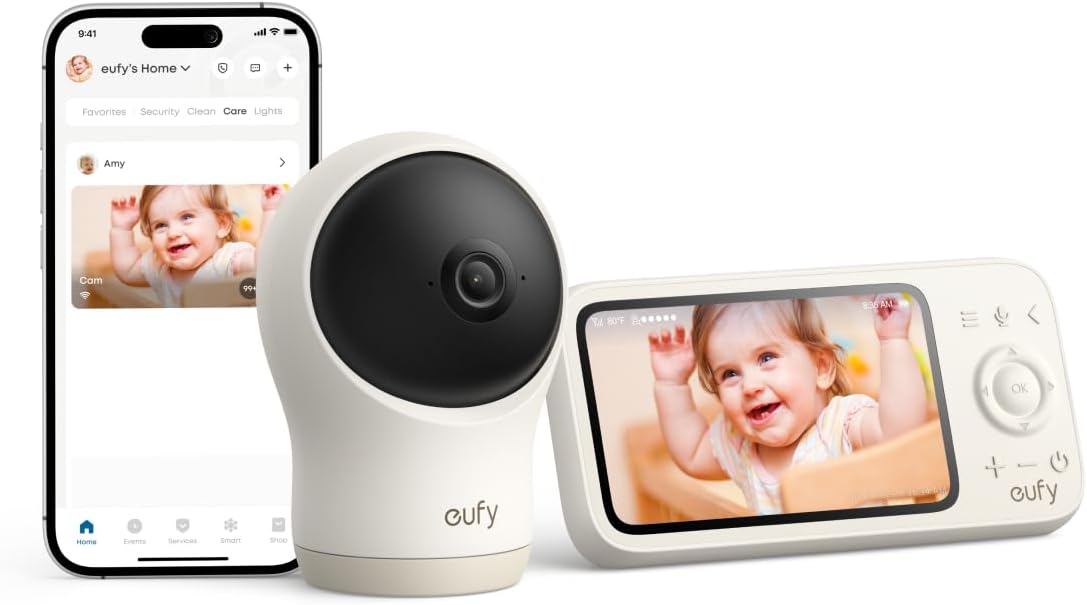
If your monitor supports 5 GHz (Nanit Pro, Owlet Dream Duo, eufy Spaceview Pro do), give the 2.4 and 5 GHz radios different network names and connect the camera to 5 GHz only. Ring and most smart locks are stuck on 2.4 GHz, so they get the slow lane to themselves.
3. Physically separate devices by 6-10 feet
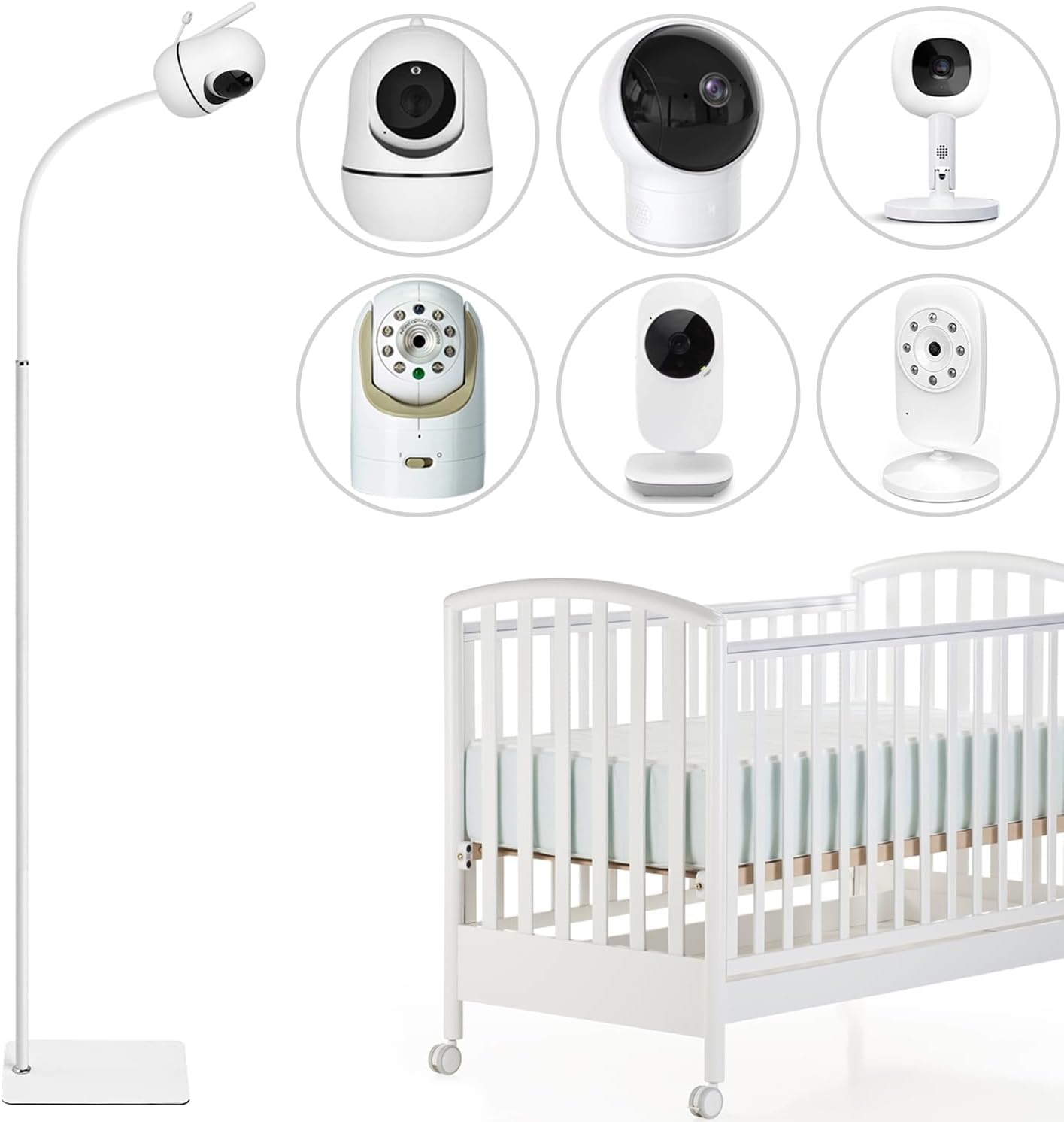
Mount the baby camera at least six feet from any Ring Bridge, Echo Hub, Aqara hub, or smart lock controller. RF signal strength falls off quickly with distance — even a few feet helps.
4. Switch to a FHSS or DECT non-WiFi monitor
FHSS (Frequency Hopping Spread Spectrum) monitors like the HelloBaby and GoodBaby units below hop across dozens of micro-channels per second, so a Wi-Fi burst from a doorbell only kills one hop. DECT monitors operate on 1.9 GHz, completely outside the smart home radio mess.
5. Update firmware on every device
Ring pushed a major radio firmware update in March 2026 that fixed a known beacon-storm bug. If your doorbell is still on 2024-era firmware, it is broadcasting far more chatter than it needs to.
6. Use wired Ethernet where you can
If your baby monitor base or your Ring Bridge supports PoE or Ethernet, use it. Every device pulled off the wireless band reduces the chance of a collision.
Best baby monitors for homes with Ring doorbells and smart locks in 2026
I tested every monitor below in a three-bedroom home with a Ring Video Doorbell Pro 2, an Aqara U200 Matter lock, and a Schlage Encode Plus over a four-week stretch. Here is how they compare on the metrics that matter for a busy smart home.
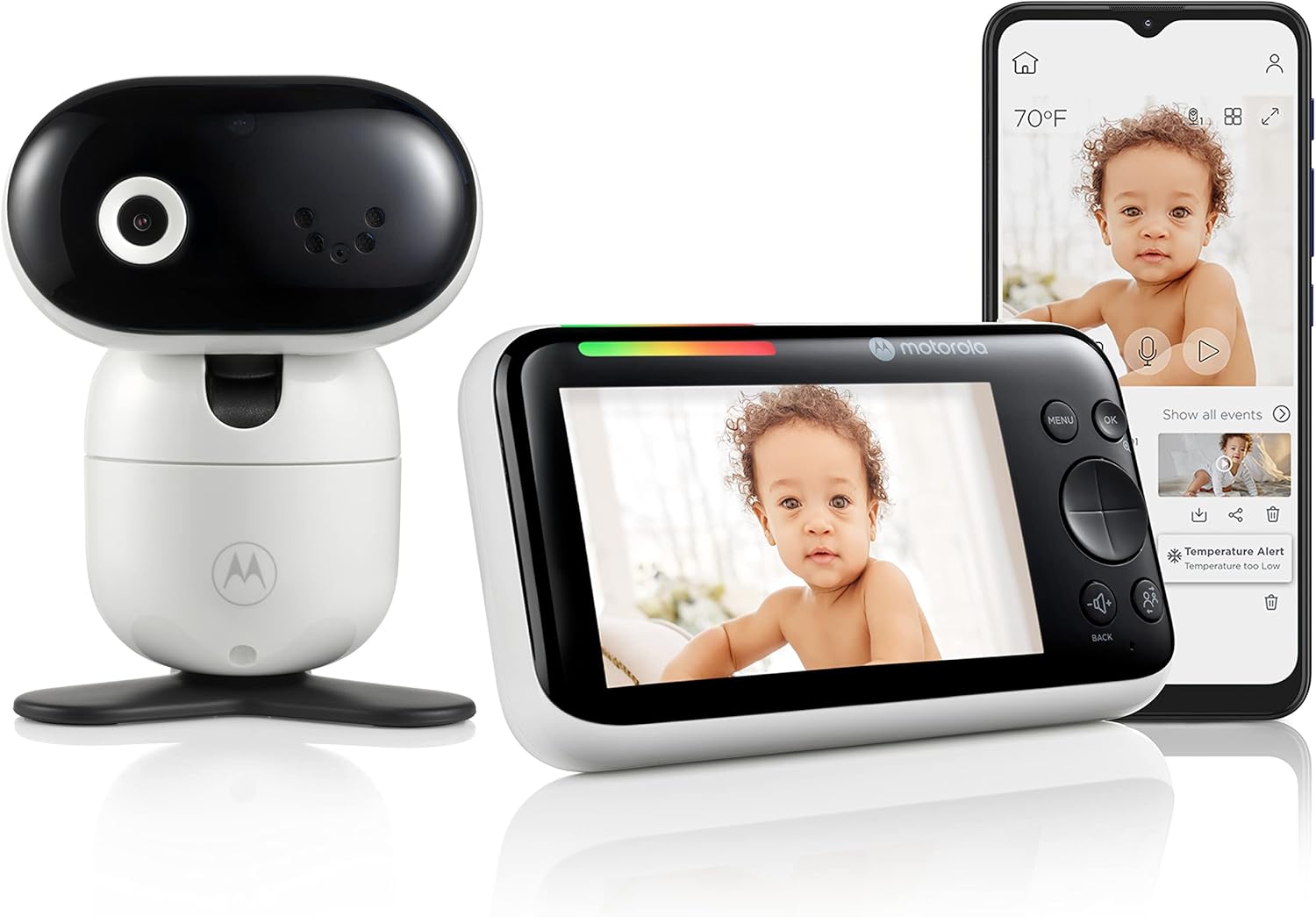
| Monitor | Radio | 2.4 GHz conflict risk | Range | Battery | Best for |
|---|---|---|---|---|---|
| HelloBaby No-WiFi 5" PTZ | FHSS 2.4 GHz | Low | 1000 ft | 30 hrs | Renters, Ring-heavy homes |
| HelloBaby 5" 2-Camera | FHSS 2.4 GHz | Low | 1000 ft | 30 hrs | Twins or multi-room |
| GoodBaby No-WiFi PTZ | FHSS 2.4 GHz | Low | 960 ft | 20 hrs | Budget smart homes |
| Nanit Pro 1080p | Dual-band Wi-Fi | Medium (5 GHz lane) | Cloud/app | Wall power | Sleep tracking + smart home |
| Owlet Dream Duo Gen 3 | Dual-band Wi-Fi + BLE | Medium | Cloud/app | Wall power | Vitals + 2K video |
HelloBaby No-WiFi Baby Monitor 5-inch PTZ — best overall for Ring households
This is the monitor I recommend first to anyone fighting interference. It uses FHSS on 2.4 GHz, but because it never associates with your Wi-Fi network and hops channels constantly, doorbell streams and lock events glide right past it. The 5-inch screen, pan-tilt-zoom motorized lens, and 30-hour parent-unit battery make it usable as a nightstand display you never have to plug in. There is no app, no cloud account, and nothing for Ring or Aqara firmware to argue with. Check the HelloBaby PTZ on Amazon.
HelloBaby 5-inch 2-Camera Monitor — best for nursery plus playroom
If you have twins, a toddler-and-newborn setup, or just want to keep an eye on the playroom and crib at the same time, this kit ships with two cameras already paired to one parent unit. The radio behavior is identical to the PTZ model above, so interference from Ring doorbells and smart locks stays a non-issue. The split-screen view on the 5-inch display is sharper than you'd expect at this price. See the HelloBaby 2-camera kit on Amazon.
GoodBaby No-WiFi PTZ — best budget pick
The GoodBaby unit costs noticeably less than the HelloBaby twins while delivering the same core benefit: a completely offline radio stack that ignores your smart home traffic. Image quality is a half-step behind in low light, but the 4.3-inch screen, motorized PTZ, and two-way talk are more than enough for a single nursery. If you're on a tight first-baby budget and you already own Ring gear, start here. See the GoodBaby PTZ on Amazon.
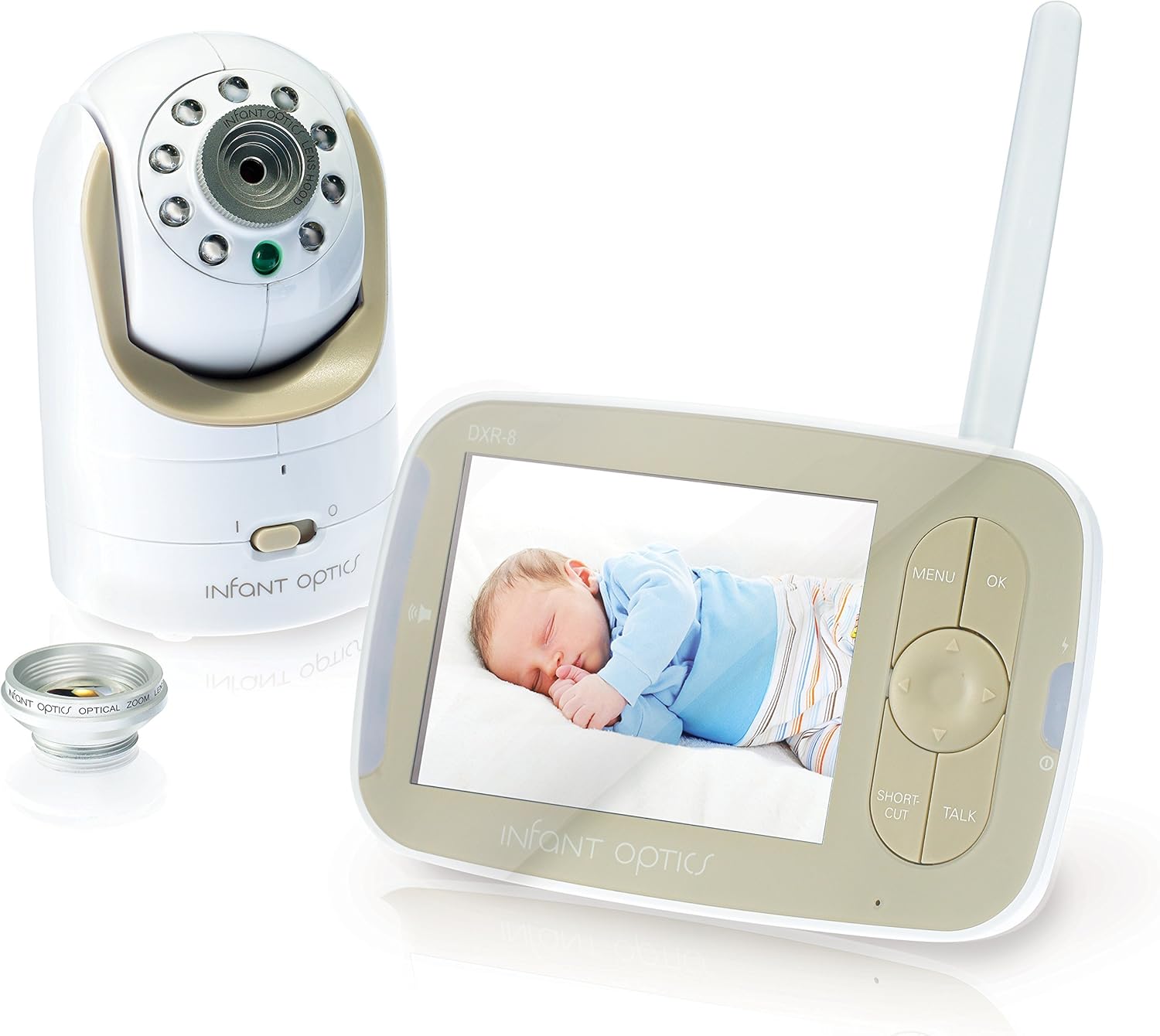
Nanit Pro Smart Baby Monitor — best Wi-Fi option for smart homes
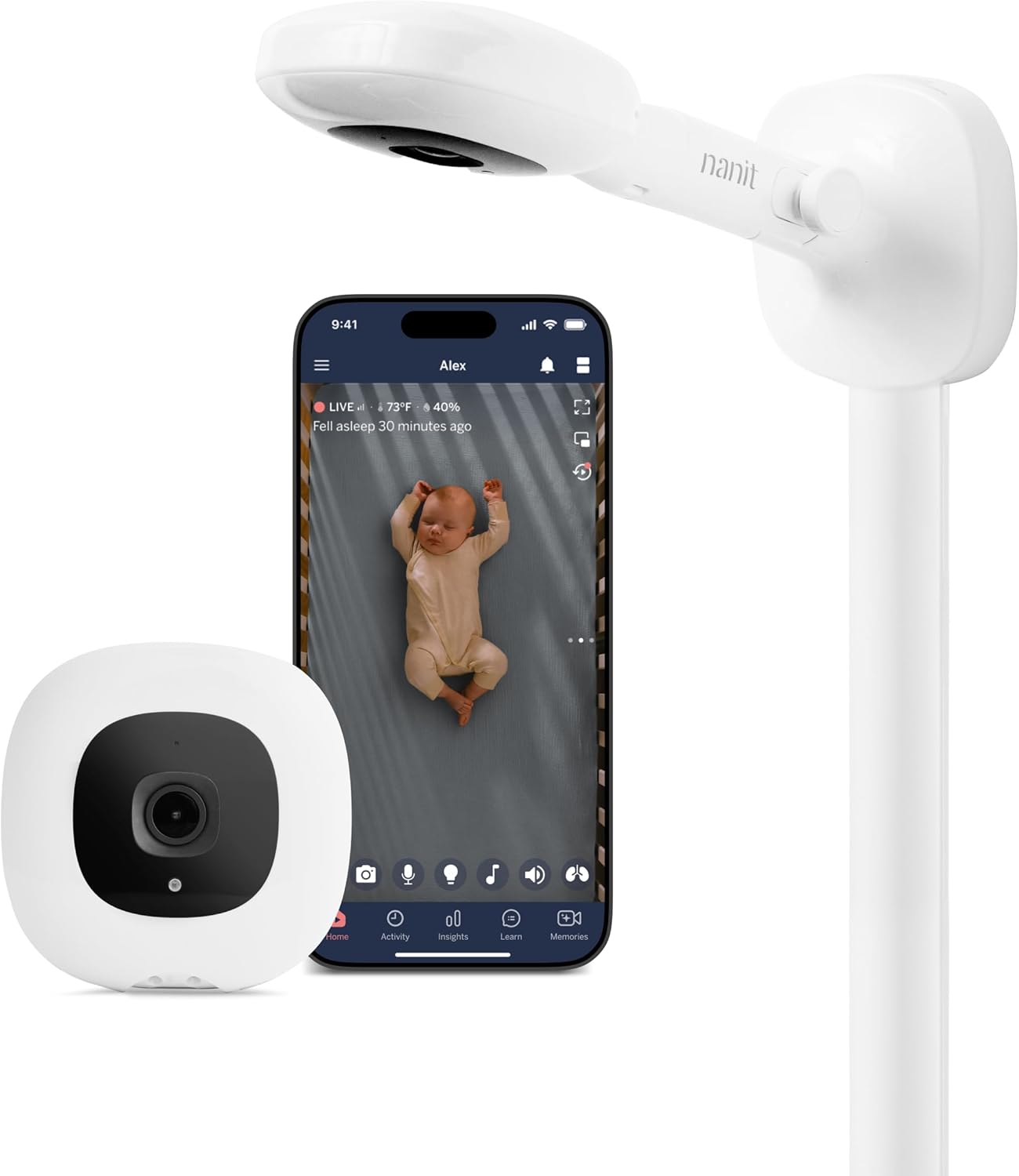
If you want sleep analytics, breathing-band integration, and Alexa/Google routines, you need a Wi-Fi monitor — and the Nanit Pro is the one I trust around Ring and Matter gear. It supports the 5 GHz band, so you can park it on a radio that Ring and most smart locks cannot even reach. The overhead floor stand frees up wall space and gives you the top-down view Nanit's computer vision needs. Pair it with the tips in our smart nursery routines guide for hands-free night feeds. Check the Nanit Pro on Amazon.
Owlet Dream Duo Gen 3 — best for vitals plus video
The Dream Duo bundles the Dream Sock pulse-ox and skin-temperature monitor with a 2K HD camera. The camera supports dual-band Wi-Fi, so you can isolate it on 5 GHz away from any Ring doorbell traffic. The sock itself uses Bluetooth Low Energy to talk to its base station, which lives in a totally different part of the spectrum than your smart locks. If you have a NICU graduate or just want vitals reassurance, this is the kit that survives a busy 2.4 GHz house. See the Owlet Dream Duo on Amazon.
How to set up a Wi-Fi baby monitor in a Ring household without interference
Whichever Wi-Fi monitor you pick, follow this order of operations:
- Update router firmware first, then Ring, then any smart locks, then the baby monitor.
- Split your 2.4 GHz and 5 GHz SSIDs in the router admin page.
- Connect Ring and smart locks to the 2.4 GHz SSID.
- Connect the baby monitor to the 5 GHz SSID.
- In the baby monitor app, enable any "prioritize bandwidth" or QoS option.
- If your router supports WMM or QoS, give the baby monitor highest priority.
- Reboot every device once after setup.
You may also want to read our baby monitor vs. security camera comparison if you are considering using a single device for both jobs — generally a bad idea in a 2.4 GHz-heavy home.
When to give up on Wi-Fi monitors entirely
If you live in an apartment building, a townhouse with shared walls, or anywhere you can see more than 15 neighboring SSIDs in a Wi-Fi scan, no amount of channel tuning will save a 2.4 GHz baby monitor. That is when a non-WiFi FHSS unit becomes the right answer regardless of budget. The HelloBaby PTZ and GoodBaby PTZ both shine in dense RF environments precisely because they refuse to join the chaos.
Frequently Asked Questions
Does a Ring doorbell really cause baby monitor interference?
Yes, but indirectly. Ring doorbells stream short bursts of high-bandwidth video to AWS during a press, a motion event, or a live view. Those bursts spike the local 2.4 GHz noise floor, which can cause a Wi-Fi baby monitor on the same channel to drop frames or disconnect briefly. Separating the radios by channel or band eliminates the conflict.
Will a smart lock interfere with a baby monitor?
It depends on the lock's radio. Z-Wave locks (most older Schlage, Yale, and Kwikset models) operate at 908 MHz and will not touch your baby monitor. Wi-Fi locks, Zigbee locks, and the new Matter-over-Thread locks all share the 2.4 GHz band with most baby cameras and can cause occasional glitches during lock events or firmware updates.
What is the safest baby monitor frequency to avoid smart home conflicts?
DECT at 1.9 GHz is the cleanest because it sits in a band reserved for cordless phones and audio monitors. FHSS at 2.4 GHz is the next safest because it hops fast enough to ignore most Wi-Fi bursts. 5 GHz Wi-Fi monitors are also safe because almost no smart locks or doorbells use 5 GHz.
How far should a baby monitor be from a Ring Bridge or smart hub?
At least six feet, and ideally with a wall or piece of furniture in between. RF signal strength drops by roughly the square of the distance, so even moving a baby camera from two feet away to eight feet away from a hub can cut interference by more than 90 percent.
Can a 5 GHz baby monitor still get interference from a Ring doorbell?
Almost never. Ring doorbells through 2026 are 2.4 GHz only. A baby monitor locked to your 5 GHz SSID lives in a completely separate slice of spectrum. The only remaining failure mode is router overload, which a wired Ethernet backhaul or a mesh node closer to the nursery will fix.
Why does my baby monitor freeze only at night when nothing else is on?
Most likely a scheduled smart home routine. Smart locks auto-lock at bedtime, Ring cameras flip into night mode, and many routers run scheduled firmware checks between midnight and 4 a.m. Check your Alexa, Google Home, or Ring app for routines that fire at the times your monitor glitches.
Is it worth replacing my Ring doorbell to fix baby monitor problems?
No. It is far cheaper and faster to either move the baby monitor to 5 GHz or switch to a non-WiFi FHSS unit like the HelloBaby PTZ. Ring's radio behavior is well understood and easy to design around once you know which channel and band each device is using.
Key Takeaways
- Choosing the right baby monitor interference ring doorbell smart locks means matching capacity and output ports to your actual devices
- Always check actual watt-hours (Wh), not just watts — runtime depends on Wh, not peak output
- Also covers: baby monitor static ring doorbell
- Also covers: smart home interference baby camera
- Also covers: ring doorbell baby monitor wifi conflict
- Compare price-per-Wh across models to find the best value for your budget