If you want a baby monitor mount ikea kura bed solution that protects the painted MDF frame, the safest path is to skip drilling entirely and use a tension clamp, a velcro/silicone strap, or a free-standing floor stand positioned beside the bed. The Kura's hollow side rails and thin top beams aren't designed to hold screws long-term, and any wood glue or adhesive mount will pull paint off when removed. In this 2026 guide, we'll walk through three damage-free mounting methods that work on both the low and the lofted (flipped) configuration of the Kura, plus the specific monitors that pair best with each approach.
We'll cover which cameras have removable bases (essential for strap mounting), which ones come with floor stands so you skip mounting altogether, and how to route the power cable along the Kura's frame without tape residue. By the end you'll know exactly which baby monitor mount ikea kura bed setup fits your child's age, your ceiling height, and whether the bed is in its low bunk or reversed loft position.
Why the IKEA Kura needs a damage-free mounting approach
The Kura is built from pine and painted fiberboard panels. The four corner posts are solid pine and can technically take a screw, but the side rails and the canopy/tent bar at the top are hollow or thinly veneered. Drilling into the wrong spot splits the laminate, and even a small wall-mount screw can crack the headboard panel. Worse, IKEA's warranty and any future resale value evaporate the moment you put a permanent hole in the frame.



There's another reason to avoid hard-mounting: the Kura is designed to be flipped. Many families start with the low bunk configuration for a toddler and reinvert it into a loft bed when the child turns four or five. If your monitor is screwed into what is currently the headboard, it ends up at floor level after the flip. A removable mount future-proofs the install.
Finally, baby monitors need to be repositioned often. As your child grows from crib-side sleeping to a toddler bed on the Kura's lower bunk, the ideal camera angle changes. Strap and clamp mounts let you adjust in seconds; drilled mounts don't.
The three damage-free mounting methods
Method 1: Silicone strap or velcro wrap around the corner post
This is the lowest-effort approach. You wrap a wide silicone or hook-and-loop strap around one of the Kura's four corner posts, then attach a small ball-joint mount or directly tighten the camera against the strap. It works with any monitor that has a 1/4\"-20 tripod thread on the bottom (most do) or a flat removable base.
Pros: zero damage, takes 90 seconds, repositions easily. Cons: limited camera height — you're capped at the top of the post (around 46 inches in the low configuration), which is fine for a toddler in the bottom bunk but too low if you've lofted the bed.
Method 2: Spring clamp on the top safety rail
A photography spring clamp (the kind sold for mounting GoPros or small lights) bites onto the Kura's upper guard rail and gives you a downward-facing view of the mattress. Pad the jaws with a strip of moleskin or felt to prevent paint chipping. This gives you a true overhead angle similar to a wall-mounted nursery cam.
Pros: best viewing angle, removable. Cons: the clamp adds maybe 8 ounces of weight to the rail, so check that your monitor's cable isn't pulling on it. Avoid this method if your child is old enough to reach up and grab the camera.
Method 3: Floor stand beside the bed
The most popular 2026 approach, especially among parents who don't want to touch the frame at all. A weighted floor stand sits next to the Kura and extends a camera up to 4-5 feet, giving you a clean side-angle view. Several monitors now ship with their own stand, which removes the guesswork.
Pros: no contact with the bed, easy to move during cleaning, scales with any Kura configuration. Cons: takes up floor space, and you need to manage the power cable so it doesn't become a trip hazard or a pull-toy.
Best baby monitors for the IKEA Kura in 2026
Below is a quick comparison of the cameras we recommend for each mounting style, followed by detailed picks.
| Monitor | Best mounting method | Video quality | WiFi required | Includes stand |
|---|---|---|---|---|
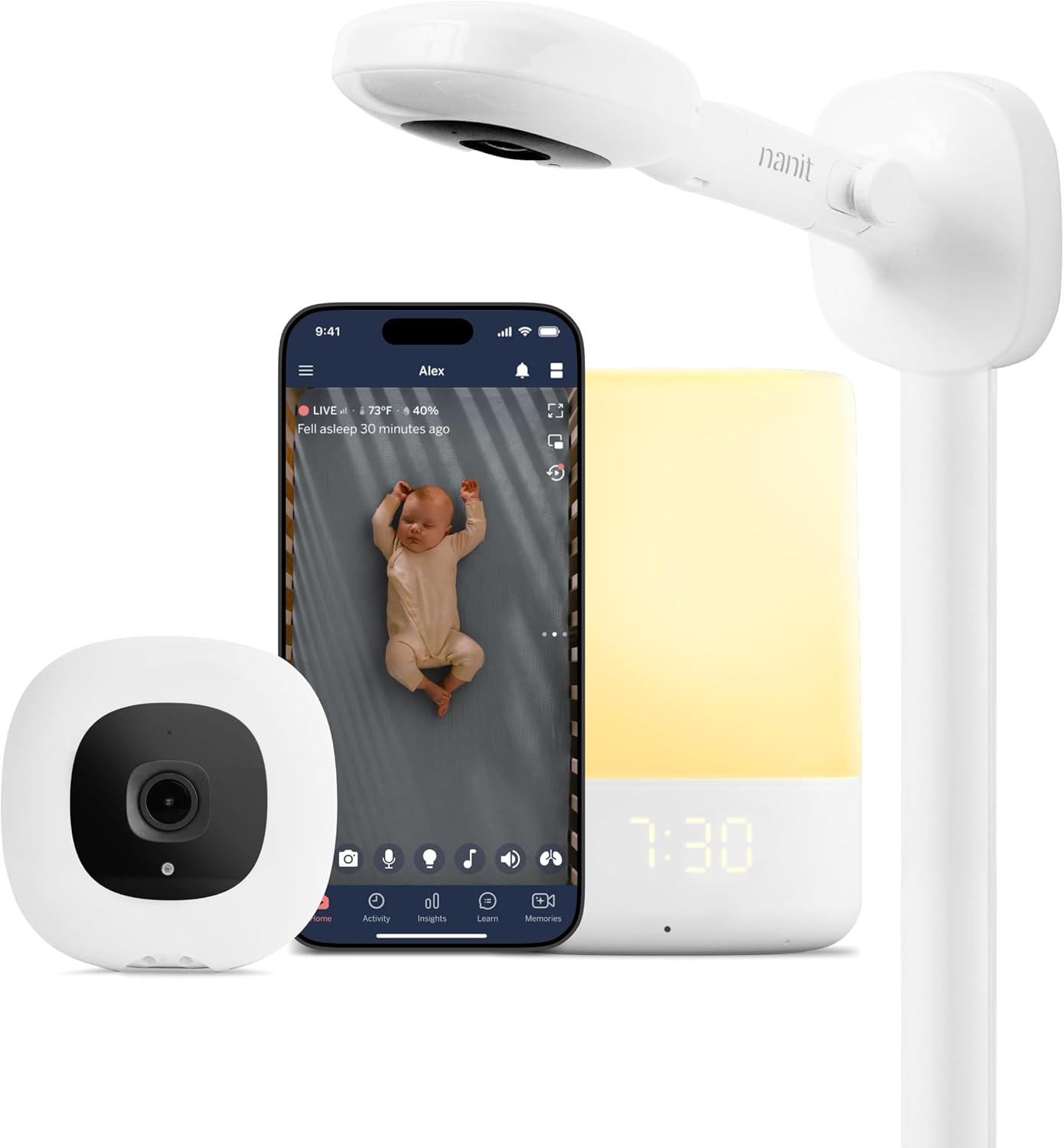
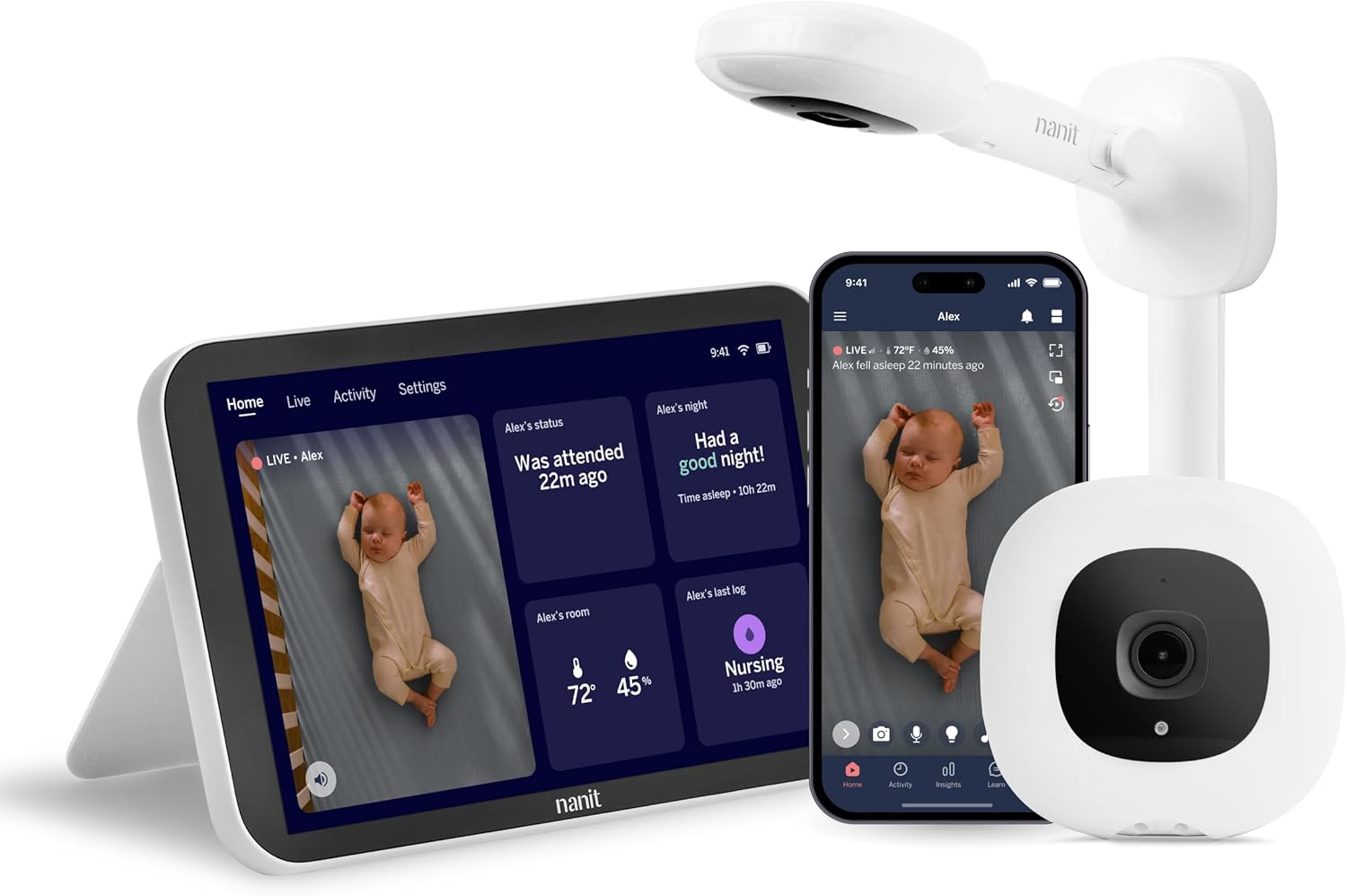
| Nanit Pro Smart Baby Monitor | Floor stand (included) | 1080p | Yes | Yes |
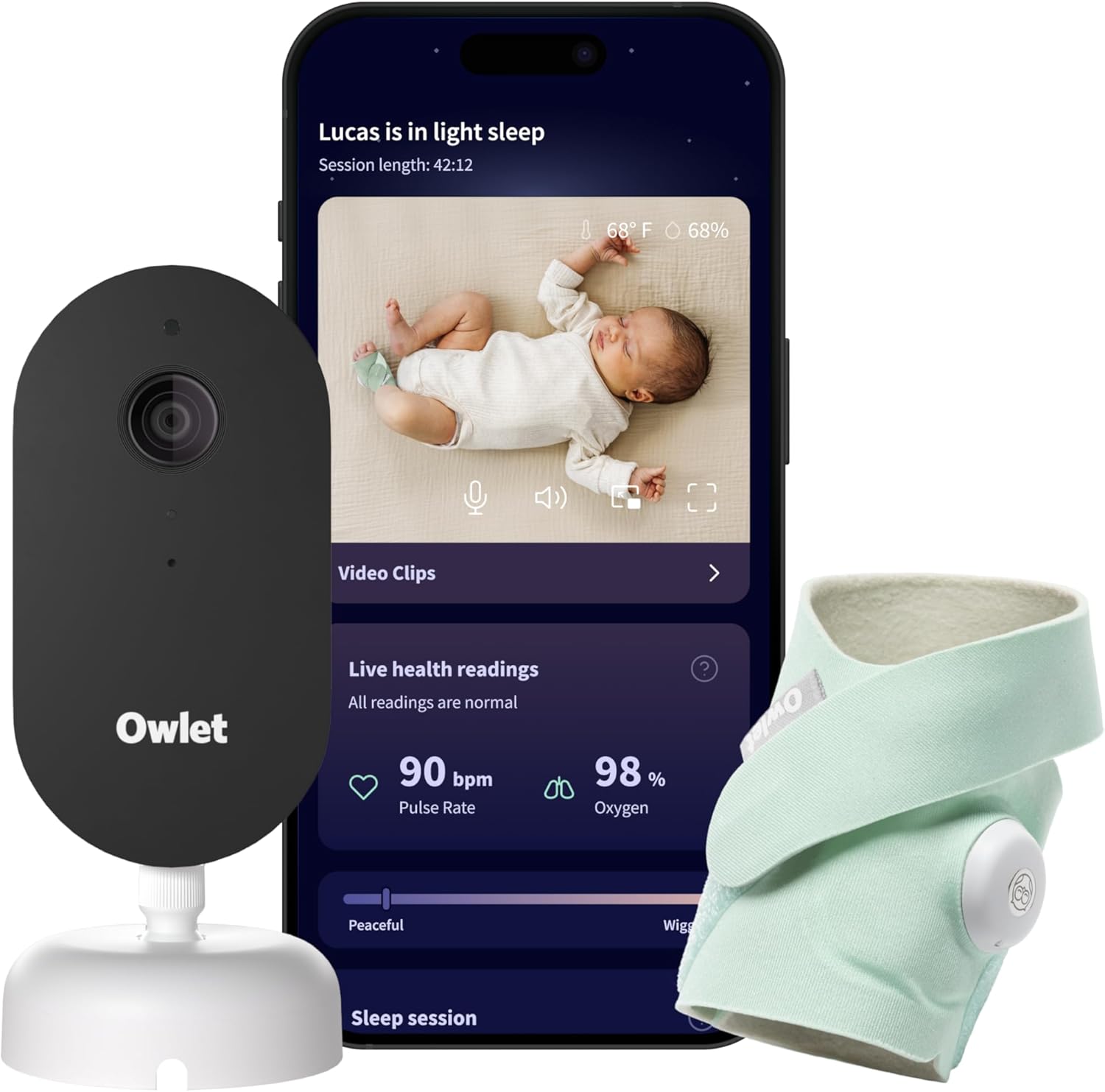
| Owlet Dream Duo (Gen 3) | Floor stand or strap | 2K HD | Yes | Yes |
| HelloBaby PTZ (5-inch, 30hr) | Silicone strap on post | 720p | No | No |
| HelloBaby 2-camera (5-inch) | Strap or clamp | 720p | No | No |
| GoodBaby PTZ Monitor | Strap on corner post | 720p | No | No |
Nanit Pro Smart Baby Monitor with Floor Stand
If you want the cleanest possible Kura install with zero contact between the camera and the bed, this is our top pick. The Nanit Pro ships with its own floor stand, which means you don't have to source a third-party tripod or worry about clamp compatibility. The 1080p sensor delivers a sharp overhead-style view, and the Nanit app's sleep tracking is genuinely useful once your child is in a toddler bed and you can no longer see them over a crib rail. Position the stand at the foot of the Kura, angled toward the pillow. Check the Nanit Pro on Amazon.
Owlet Dream Duo (Gen 3) Smart Baby Monitor
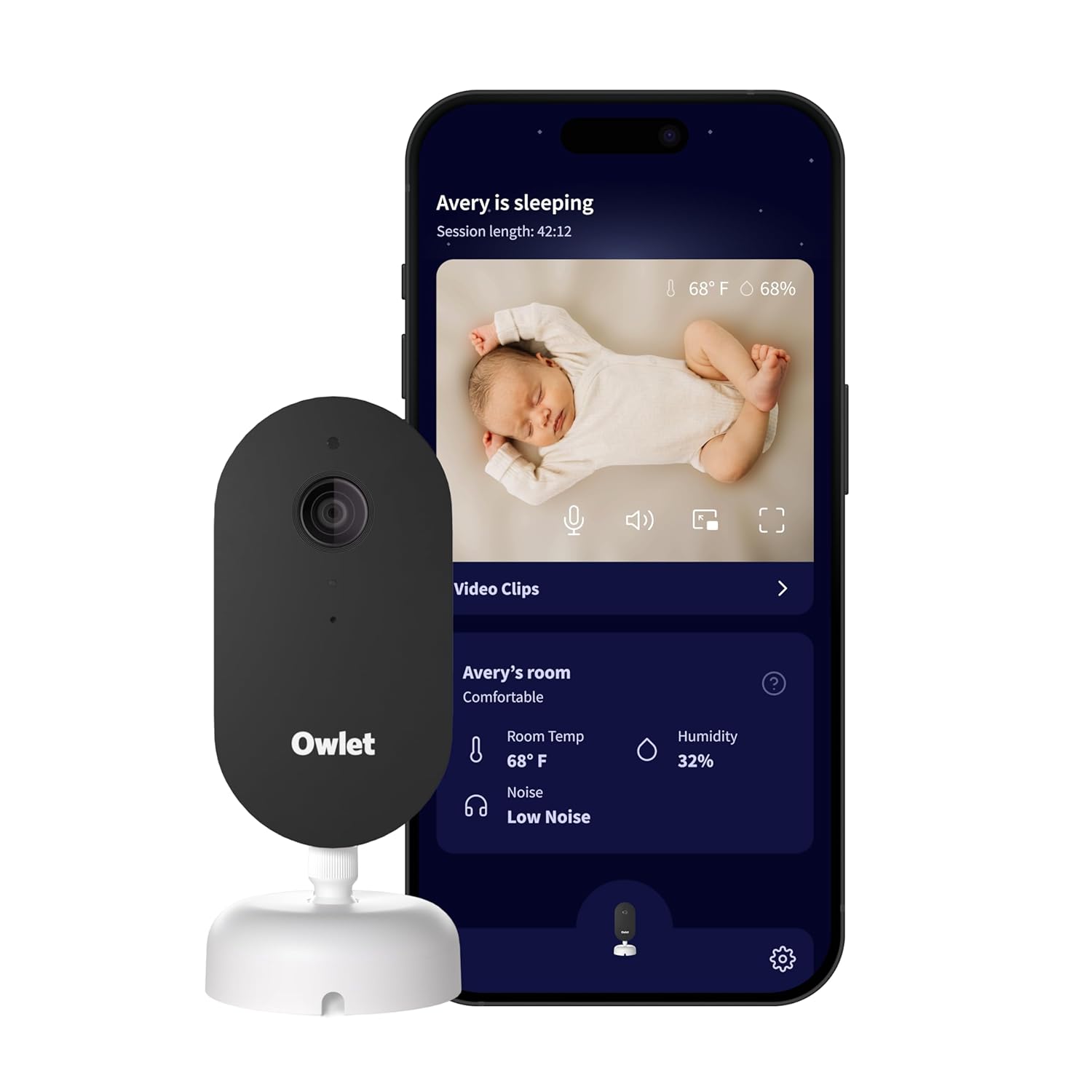
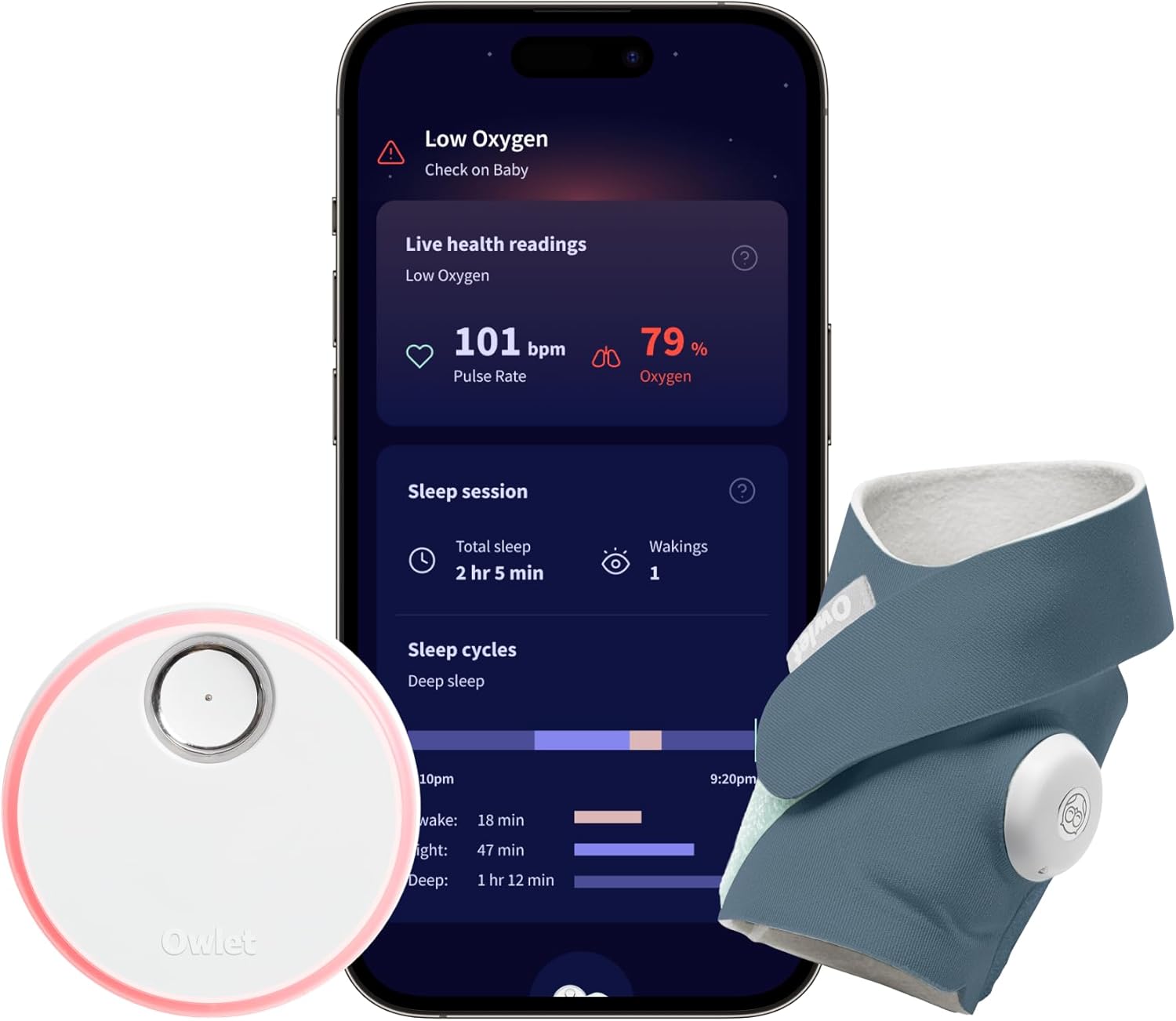
The Dream Duo pairs a 2K camera with Owlet's Dream Sock, which makes it especially useful for the transition out of crib monitoring — you get sleep state data even if the camera angle on the Kura isn't perfect. The included stand works well beside the bed, but the camera base also accepts a standard tripod thread, so you can strap it to a Kura corner post if floor space is tight. Sharper image than the Nanit at the cost of needing a stronger WiFi signal in the nursery. Check the Owlet Dream Duo on Amazon.
HelloBaby No-WiFi Baby Monitor (5-inch, 30-Hour Battery, PTZ)
For parents who don't want a camera connected to the internet — and many Kura-aged kids are in shared rooms where privacy matters more — this no-WiFi PTZ is the easiest strap-mount option. The camera body is compact enough to wrap a silicone strap around a Kura corner post, and the pan-tilt-zoom lets you adjust the angle from the handheld unit instead of climbing up to physically reposition it. The 30-hour battery on the parent unit is genuinely class-leading. Check the HelloBaby PTZ on Amazon.
HelloBaby 5-inch Baby Monitor with 2 Cameras
The two-camera setup is the smart pick if your Kura is in a shared sibling room or if you want one camera on the Kura and one watching the doorway. Each camera is light enough to mount with a velcro wrap on a corner post without strain, and the no-WiFi design keeps both units fully local. Battery life on the parent unit matches the single-camera model. Check the HelloBaby 2-camera bundle on Amazon.
GoodBaby Baby Monitor with Camera & Audio (No WiFi, PTZ)
The budget pick. The GoodBaby PTZ monitor is light enough that a single wide velcro strap will hold it securely against a Kura corner post, and the no-WiFi design means no app setup or router hassle. Image quality is a clear step down from the Nanit and Owlet, but for a toddler in a Kura bed where you mostly need to confirm \"asleep or awake,\" it's perfectly adequate. Check the GoodBaby PTZ on Amazon.
Step-by-step: strap-mounting on a Kura corner post
This is the most common install, so here's the exact sequence:
- Choose the corner post diagonally opposite the head of the mattress for the widest view.
- Cut a strip of felt or moleskin and wrap it around the post where the strap will sit. This protects the white paint from any micro-abrasion.
- Loop a 12-inch silicone strap (or two layered velcro straps) twice around the post and tighten.
- If your monitor has a 1/4\"-20 thread, attach a small ball-head mount to the strap first, then screw the camera in. Otherwise, place the camera's flat base against the strap and cinch a second strap over the body.
- Plug the power cable in and route it down the inside of the post, securing it with two or three reusable cable clips (the silicone kind, not adhesive).
- Check the parent-unit view and adjust the angle.
Total install time: under five minutes. If you ever flip the Kura into its loft configuration, you simply move the strap to whichever post is now closest to the sleeping area.
Cable management without adhesive
The single most common mistake parents make is taping the power cable to the Kura with electrical tape or gaffer tape. Both leave residue on the painted finish. Instead, use reusable silicone cable clips — they grip the cable through friction and slide onto the post without adhesive. You can also thread the cable through the Kura's pre-drilled assembly holes if your camera ends up near one. For long runs across the floor, a $5 silicone cord cover keeps the cable out of a toddler's reach.
If you're using a floor-stand monitor, run the cable behind the Kura's headboard panel and along the baseboard. Avoid pinning the cable to the bed itself — that way if your child shifts the Kura even slightly, the cable doesn't yank on the camera.
Safety distance and placement
Pediatric safety guidance in 2026 still recommends keeping any monitor cable at least three feet from the sleeping surface. On a low-configuration Kura, this means the camera body itself can sit on the corner post, but the cable should drop down the outside of the post and exit at floor level, not run across the mattress. If you've lofted the Kura, the three-foot rule is easy to satisfy because the mattress sits four-plus feet off the ground.
For more on safe sleep tech setups, see our guides on wall-mounting a baby monitor without drilling and best baby monitors for toddler beds.
Frequently Asked Questions
Can I drill into the IKEA Kura frame to mount a baby monitor?
Technically yes into the four solid pine corner posts, but we don't recommend it. The side rails and headboard panels are MDF/laminate and will crack or split. Drilling also voids IKEA's warranty and reduces resale value. Strap and floor-stand mounts give you the same camera position without permanent damage.
What's the best baby monitor mount for the Kura when it's flipped into loft mode?
A weighted floor stand is the cleanest answer because the mattress is now four-plus feet off the ground and a strap mount on a corner post would put the camera below the sleeping surface. The Nanit Pro and Owlet Dream Duo both include floor stands tall enough to reach the lofted Kura mattress.
Will a velcro strap leave marks on the painted Kura frame?
Not if you put a felt or moleskin pad between the strap and the paint. Bare velcro hooks can scuff the satin finish over months of use, but a thin protective layer prevents this completely. Silicone straps are even safer because they have no hooks at all.
Do I need a WiFi monitor for a Kura setup or is a no-WiFi model fine?
Either works. WiFi monitors like the Nanit Pro and Owlet Dream Duo give you sleep tracking and remote viewing from a phone. No-WiFi monitors like the HelloBaby and GoodBaby PTZ models are simpler, more private, and have longer battery life on the parent unit. For Kura-aged toddlers, many parents prefer no-WiFi because the camera is purely local.
How high should the baby monitor camera be above the Kura mattress?
Aim for roughly 3 feet above the mattress with a slight downward angle. This frames the child's head and torso without distortion. On a strap-mounted corner-post setup, you'll naturally land in this range. For a floor stand, extend it until the lens sits about 36 inches above the mattress surface.
Can I use a wall-mounted baby monitor with the Kura instead?
Yes, and this is often the best long-term solution if you own your home. Mount the camera to the wall behind or beside the Kura at the correct height, and you don't have to touch the bed at all. This also survives the Kura flip without any reinstallation.
What's the lightest baby monitor for a Kura strap mount?
The GoodBaby PTZ and the HelloBaby 5-inch single-camera kit are both under 10 ounces at the camera, which is well within the safe weight for a single silicone strap on a Kura corner post. The Nanit Pro camera head is also light, but it's designed around its stand and doesn't strap-mount as naturally.
Final recommendation
For most families, the cleanest 2026 setup is a floor-stand monitor like the Nanit Pro or Owlet Dream Duo positioned next to the Kura — zero contact with the frame, zero risk to the paint, and a viewing angle that survives the eventual flip from low bunk to loft. If you'd rather avoid WiFi or you're on a tighter budget, a silicone-strap install on a corner post with the HelloBaby PTZ or GoodBaby PTZ gives you the same coverage for a fraction of the cost. Either way, you'll end up with a baby monitor mount ikea kura bed setup that comes off as cleanly as it goes on. For more nursery tech ideas, see our roundup of smart nursery gadgets for 2026.
Key Takeaways
- Choosing the right baby monitor mount ikea kura bed means matching capacity and output ports to your actual devices
- Always check actual watt-hours (Wh), not just watts — runtime depends on Wh, not peak output
- Also covers: mount nanit on kura bed
- Also covers: baby camera ikea toddler bed
- Also covers: kura bed monitor no drilling
- Compare price-per-Wh across models to find the best value for your budget